Construction Estimating Software for Small Businesses Ready to Grow


Estimating is one part of my workflow that I stopped improvising on. When you run a small construction business, the margins don’t leave much room for sloppy numbers. A missed quantity or an outdated price can follow you through an entire project. I’ve dealt with that before, and it’s not an experience I want you to repeat.
Estimating software earns its place in this light. The right tool speeds up takeoffs, keeps your cost data consistent, and turns a rough draft into a clean proposal without rewriting the whole thing. Even better, it sets up a budget you can actually track once the job starts.
This guide looks at the estimating platforms that make sense for small construction businesses. Tools that help you work faster, price with more confidence, and stay competitive without adding more overhead.
Table of Contents
- What Is Construction Estimating Software?
- Why Small Construction Businesses Need Estimating Software Today
- Honest Construction Estimating Software Reviews for Small Businesses
- Comparison Table: Which Estimating Tool Fits Your Type of Small Business?

What Is Construction Estimating Software?
When I talk about estimating software, I’m referring to the tools that help me move from raw plans to a complete, defensible project price. In simple terms, it’s the system that brings takeoffs, material costs, labor rates, markups, and final proposals into one workflow. Instead of managing multiple spreadsheets and PDFs, everything is in a single environment where the numbers update as the project evolves.
Most small builders use estimating software to do two things well:
- Measure quantities accurately
- Turn those quantities into a structured estimate that they can send to a client.
The good tools also connect estimating to the rest of the job. Once the proposed numbers are approved, the estimate flows into the budget, the bid requests, and eventually the job costing reports. That connection makes a big difference because it means the estimate doesn’t disappear once construction starts. Instead, it becomes the baseline for tracking how the project performs in real conditions.
For a small business, such a system helps reduce the time spent on admin work. It also lowers the chances of errors that come from copying numbers between documents. And honestly, it brings more consistency to the way bids are prepared, which is something clients notice even if they never say it out loud.
Why Small Construction Businesses Need Estimating Software Today
Over the years, I’ve seen how estimating connects to almost every part of a project’s lifecycle. When the estimate is strong, everything that follows tends to stay on track. When it isn’t, the ripple effect shows up in the budget, in the schedule, and sometimes in the relationship with the client.
For small construction companies, that margin of error feels even sharper because there are fewer people to catch mistakes and even less room to absorb them.
A typical workflow goes something like this:
takeoff → estimate → proposal → budget → job costing → change order management.
When one link breaks, the others start to go off the rails.
Construction estimating software for small businesses helps steady that chain. It speeds up digital takeoffs and reduces manual measuring. It keeps estimating templates consistently, so you’re not rebuilding every bid from scratch. And when the tool pulls from a central cost catalog, your material and labor rates stay current instead of relying on old numbers buried inside spreadsheets and leading to rework.
In short, software makes the estimating process repeatable. And when you run a small business, repeatable systems are the difference between falling behind and staying ahead of the pack.
Honest Construction Estimating Software Reviews for Small Businesses
When I evaluate the best estimating software for a small construction company, I look at a few specific things.
- The tool has to be easy to use because most small teams don’t have time for long onboarding.
- It also needs enough depth to handle real projects, not just basic material lists.
- Pricing matters, of course, since software budgets are tight.
- And I always check whether the platform can connect to other parts of the workflow, such as budgeting, proposals, purchase orders, or job costing.
Tools that automate these links tend to create fewer headaches once the job starts.
Below are the estimating solutions that fit these criteria. Each one serves a slightly different type of builder, so the best choice depends on how your business operates.
1. Buildern
Ideal for: small general contractors, residential builders, remodelers, specialty trades, and commercial builders who want estimating connected directly to project budgeting and field execution.
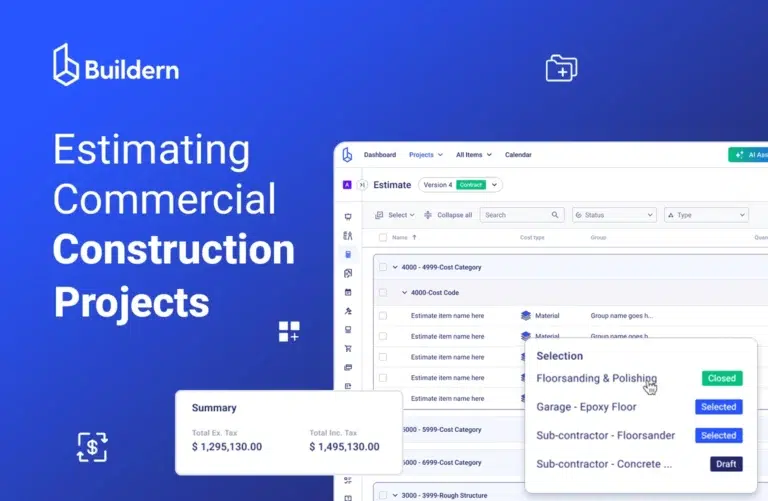
Buildern is one of the few construction estimating software for small businesses (and not only) that is built for the full workflow rather than just a single phase. Teams will feel the difference most when they start working with its AI-powered estimating tools.
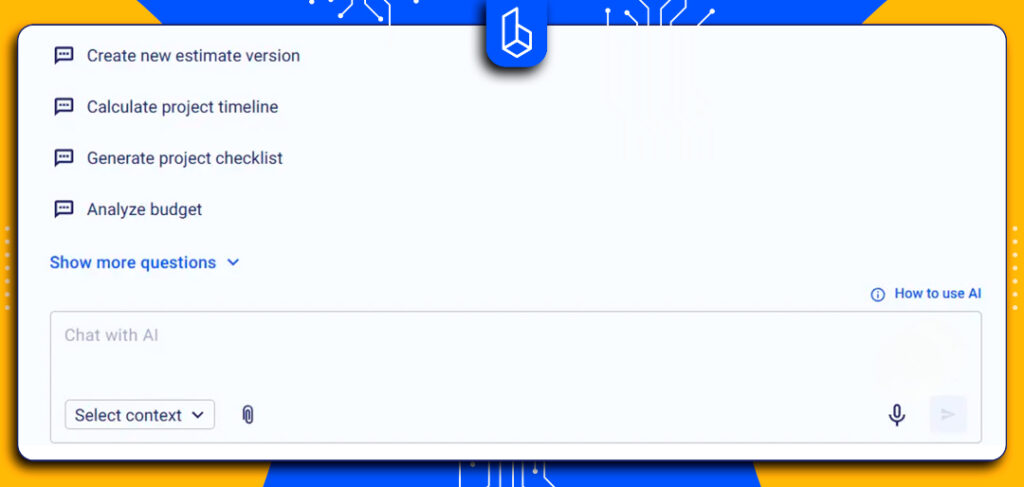
You can generate an estimate from several sources, whether you begin with a takeoff, an Excel sheet, an existing cost catalog, a template, or even data from previous projects.
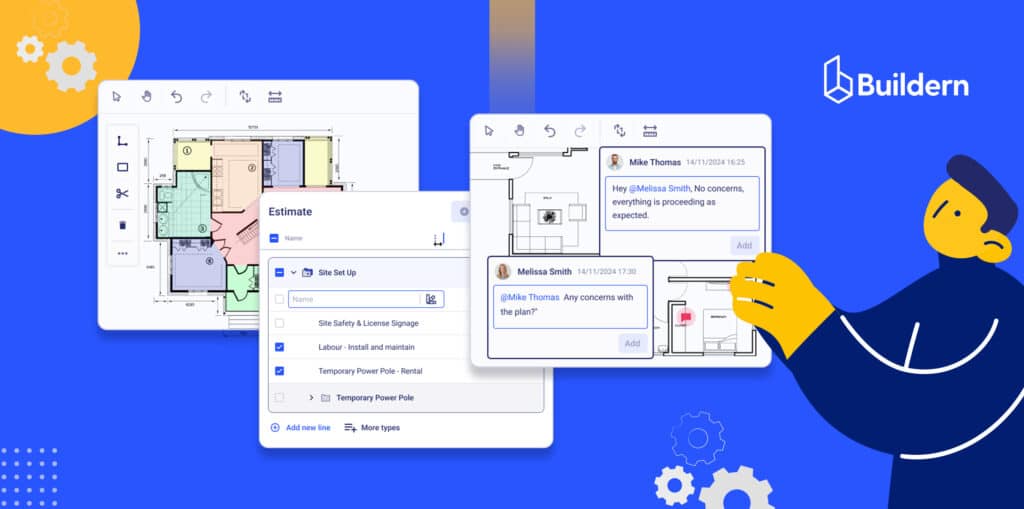
This flexibility removes a lot of the repetitive work small builders deal with. Measurements move cleanly into the estimate and then into the budget without re-entering numbers, and the interface keeps the entire structure clear enough for teams that are juggling multiple bids at once.
Costs stay consistent, the workflow remains organized, and the estimating process becomes faster and more reliable for the projects that matter most.
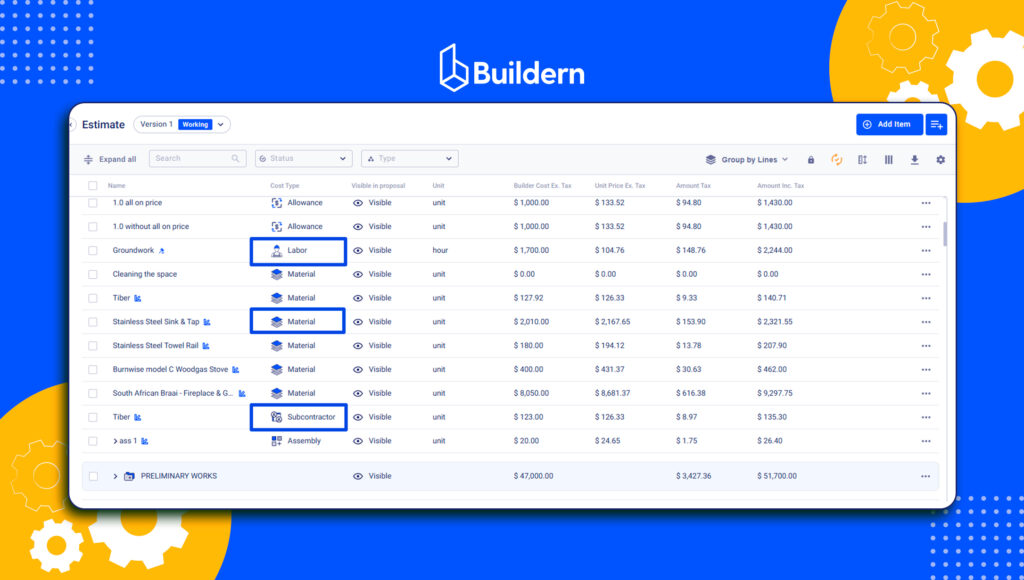
Key Estimating Features:
- Structured takeoffs that keep quantity tracking clear
- AI estimating functionality to upscale and improve your productivity even further
- Estimate-to-budget conversion built directly into the workflow
- A cost catalog that standardizes labor, material, and equipment rates
- Estimating versions that let you compare pricing scenarios without overwriting your main estimate
Once the estimate is approved, it flows the whole construction process, becoming the baseline for purchase orders, invoices, and forecasting. For small teams that don’t want to manage several disconnected systems, this type of continuity matters.
Pricing:
Buildern’s plans start at 225 USD per month, billed annually, and include two paid users. Additional users are 81 USD per month. The structure is straightforward, which helps small teams understand costs upfront as they scale their operations.
2. PlanSwift
Ideal for: builders who need a strong desktop-based takeoff engine and prefer traditional measurement workflows.
PlanSwift has been around for years, and it’s still one of the most recognized takeoff tools. The interface is straightforward, and once you learn the shortcuts, it becomes a fast way to measure framing, drywall, concrete, or interior finishes. Many teams rely on it as their dedicated takeoff system before exporting quantities into their estimating templates.
Key Estimating Features:
- Detailed on-screen takeoffs
- Drag-and-drop assemblies for repeating tasks
- Customizable databases for storing materials and labor
If you’re already comfortable with desktop tools and prefer owning a license outright, PlanSwift fits that workflow well.
Pricing:
PlanSwift offers annual licensing at 2,000 USD per year, which includes ongoing support, all software updates, and two hours of training as part of the subscription.
3. Stack
Ideal for: small or mid-size teams that need cloud-based takeoffs, shared access, and a collaborative environment.
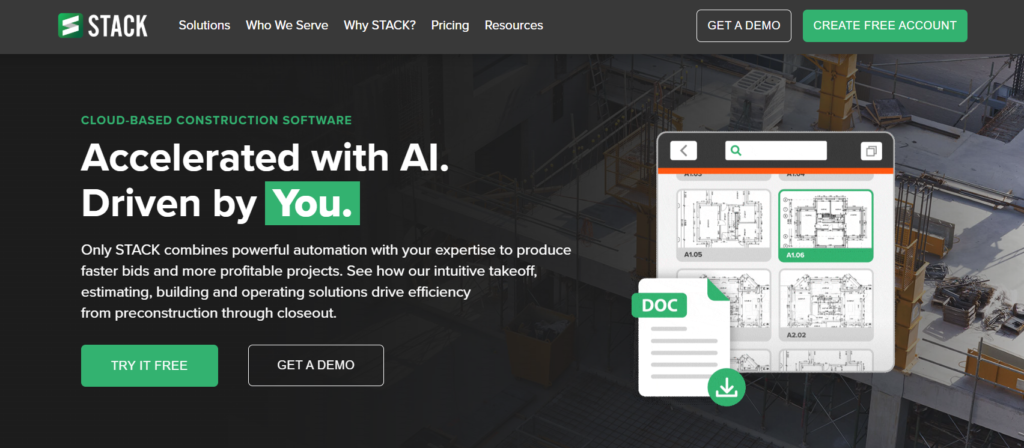
Stack is one of the more modern, cloud-first options. Because everything lives online, your estimator, project manager, or even a field lead can review quantities without passing around files. The interface is clean, and the template library helps standardize estimates across multiple projects.
Key Estimating Features:
- Real-time cloud takeoffs from any device
- Prebuilt assemblies for major trades
- Shared workspaces for team collaboration
- Export tools for turning takeoffs into bid-ready documentation
For teams bidding on several jobs at once, the ability to work together on the same project speeds things up noticeably. Yet the lack of more advanced construction management tools leaves a gap once the estimate is finished.
Pricing:
Stack uses subscription-based pricing that typically begins at 2,999 USD per year for a single full-access user.
4. ProEst
Ideal for: builders who need enterprise-level estimating with deeper controls, data history, and structured workflows.

ProEst is built for teams that want detailed cost databases, historical data comparisons, and more advanced estimating tools. If you’re already working in the Autodesk ecosystem, the integration makes the workflow smoother.
Key Estimating Features:
- Direct connection to the Autodesk Construction Cloud
- Built-in CRM functionality for managing leads and bid pipelines
- Use of historical bid data to evaluate whether a project is financially viable or aligned with the company’s profile
It’s powerful but best suited for teams with enough volume to justify the learning curve and investment.
Pricing:
ProEst is priced by quote and typically aligns with mid-size and larger contractors.
5. Joist
Ideal for: small trade contractors who need simple, fast estimating from a phone or tablet.
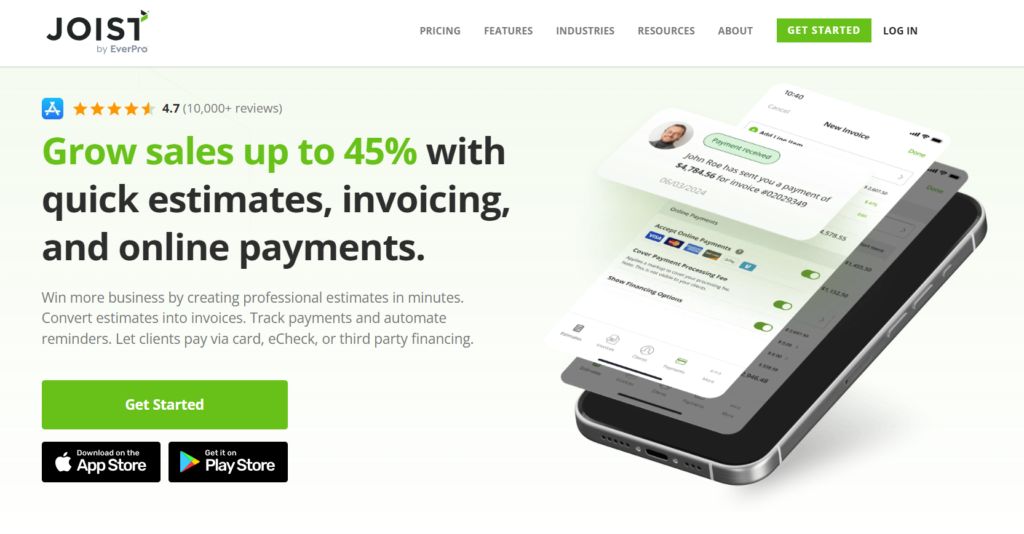
Joist focuses on simplicity. It works well for electricians, plumbers, handymen, and small specialty contractors who want to write estimates on-site and send them to clients without going back to the office. If your workflow is lightweight and mobile-first, Joist gives you what you need without unnecessary complexity.
Key Estimating Features:
- Quick estimate creation through a mobile app
- Basic templates and repeatable line items
- Clean proposal layouts that clients can approve easily
- Simple invoicing built into the same ecosystem
It’s not a full estimating system for large jobs, but it handles small trade work efficiently.
Pricing:
Joist starts at just 8 USD per month.
6. Measure Square
Ideal for: flooring installers, tile contractors, and specialty trades requiring precise room measurements and layout planning.
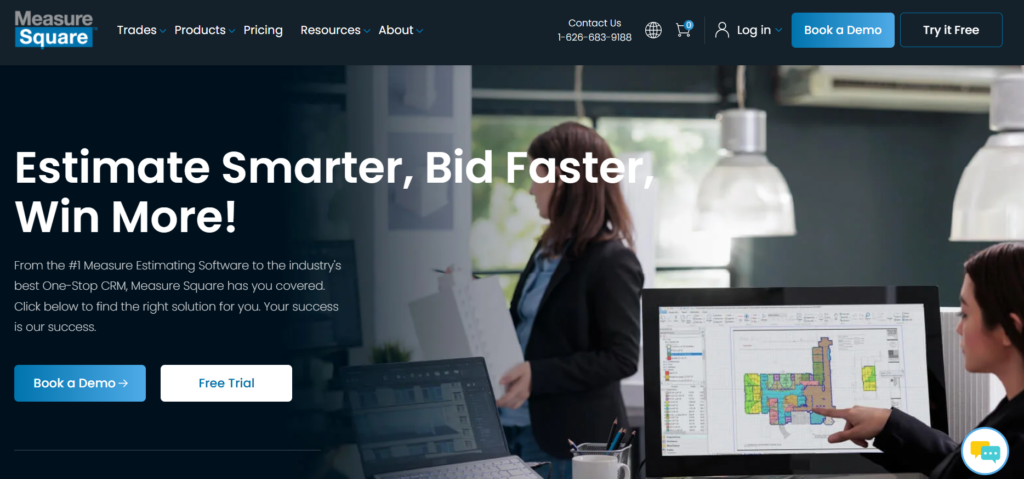
Measure Square is built specifically for flooring and surface work, which makes it far more accurate for those trades than generic takeoff tools. If you deal with tile patterns, carpet layouts, or specialty flooring, the measurement and layout features save a lot of time.
Key Estimating Features:
- Detailed takeoffs for flooring and surface materials
- Integrations for laser measurement devices
- Layout tools for complex patterns
- Automatic waste calculations and optimized cut planning
For flooring contractors, it’s one of the few tools that handles the technical details correctly.
Pricing:
MeasureSquare 8 uses a per-user subscription model, with plans starting at 540 USD per year for the Retail edition. The Multi-Family and Commercial editions scale up to 1,640-1,970 USD per year per user, depending on project type and feature depth. Optional add-ons, mobile tools, and storage upgrades are priced separately.
7. Projul
Ideal for: remodelers and small builders looking for estimating bundled with CRM, scheduling, and simple project management.
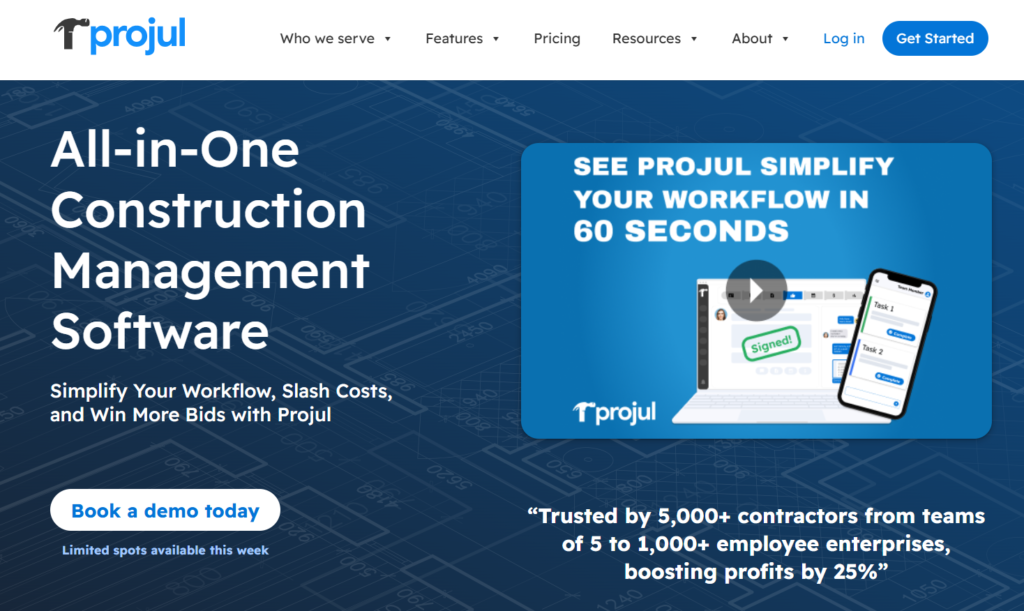
Projul is built for smaller companies that want an all-in-one tool rather than several separate apps. The estimating features are straightforward, and the interface is designed for ease of use. If you prefer visual workflows and simple navigation, it fits well.
Key Estimating Features:
- Template-based estimates for common remodel scopes
- Visual takeoff tools for basic measurements
- Fast proposal and quote generation
- Workflow tools that connect leads, estimates, and jobs
It works especially well for remodelers handling many small projects at once. As compared to more advanced platforms such as Buildern, Projul’s estimating tools are simpler and rely heavily on templates rather than structured takeoffs, cost catalogs, or deeper financial workflows.
Small teams that need clean proposals and quick estimates will find it helpful, but builders looking for estimate-to-budget conversion, detailed cost control, or a tighter connection to job costing may outgrow it as project complexity increases.
Pricing:
Projul uses an annual subscription model with transparent flat-rate plans. The entry-level Core plan starts at about 4,788 USD per year and includes estimating, CRM, project management, invoicing, and more
Comparison Table: Which Estimating Tool Fits Your Type of Small Business?
Choosing the best estimating software for small businesses is all about finding the tool that matches how your business actually works. A remodeler, a GC running five jobs at a time, and a small flooring company all need different levels of takeoff strength, proposal tools, and budget visibility.
The table below helps narrow the options based on workflow, team size, and the kind of estimating you handle most often.
| Software | Takeoff Strength | Estimating Depth | Workflow Continuity | Learning Curve | Pricing |
|---|---|---|---|---|---|
| Buildern | Strong, structured takeoffs with clean quantity tracking | High, including AI estimating from takeoff, Excel, cost catalog, templates, historical projects, or basic project criteria (type, area, location) | End-to-end: estimate → budget → POs → invoices → forecasting | Moderate: intuitive once workflows are set | Excellent for scaling teams |
| PlanSwift | Very strong for manual on-screen takeoff | Medium: assembly-based estimating | Low: quantities must be exported into another system | Steeper initially: improves with shortcuts | Good for small specialty teams |
| Stack | Strong cloud takeoffs with live collaboration | Medium: templates help, but still takeoff-centered | Low: estimate must be manually moved into other workflows | Easy to moderate | Higher cost for small teams |
| ProEst | Moderate: not as visual as PlanSwift/Stack | High, strong cost histories and data analysis | Medium: works well if already using Autodesk tools | Steep; requires training | Expensive: quote-based |
| Joist | Very light: basic measurements only | Low: simple line-item estimates | Medium: integrates with simple invoicing | Very easy | Excellent for micro teams |
| MeasureSquare | Specialized and precise for complex surfaces | High for flooring-specific scopes | Low: mainly used before moving data into other systems | Moderate | Good for niche trades |
| Projul | Basic: visual takeoff for small scopes | Low to medium: template-driven | Medium: connects leads → estimates → jobs | Very easy | Moderate to high for very small teams |
Final Thoughts
- Small construction companies benefit the most from estimating tools that simplify takeoffs, keep costs consistent, and turn proposals around quickly.
- The best software is the one that fits your workflow, not the one with the longest feature list.
- Connecting estimating to budgeting and job costing creates steadier projects because the numbers stay aligned from bid to closeout.
- Cloud-based tools help small teams work faster, especially when several people touch the same estimate.
- As competition grows in 2026, accurate estimating becomes a key part of staying profitable and winning the right jobs.
What Is the Best Construction Estimating Software for Small Businesses?
It depends on the type of work you do. Buildern works well for GCs, remodelers, and commercial builders who need estimating tied to the whole project lifecycle. PlanSwift is strong for desktop takeoffs. The “best” comes from matching the tool to your expectations and project lifecycle.
What Features Should Small Businesses Prioritize in Estimating Software?
The list can go long, but the essential aspects include:
- Accurate takeoffs
- AI capabilities
- Reusable templates
- A cost catalog
- Markup structure
- Proposal tools
- The ability to convert the estimate into the project proposal without rebuilding it manually.
Can Estimating Software Replace Spreadsheets?
For many small businesses, yes. Spreadsheets still work for simple jobs, but software reduces manual entry, helps prevent errors, and creates more consistent results across multiple bids.
How Does Estimating Software Integrate With Job Costing and Project Management?
Most modern tools let you convert an approved estimate into the project budget. From there, purchase orders, invoices, and change orders all tie back to the original estimate. This gives you a clearer view of how the job performs as construction progresses.